
Meta Quest issues installing Oculus Setup App in Windows
OculusSetup.exe
This page isn’t available
The link may be broken, or the Page may have been removed. Check to see if the link you’re trying to open is correct.

OculusSetup.exe
This page isn’t available
The link may be broken, or the Page may have been removed. Check to see if the link you’re trying to open is correct.
Sometimes we need to make Windows log on automatically to ensure a program starts up for us without having to check the system each time, this is how you do it: 1. Open the Run command box (Start > All apps > Windows System > Run or press Windows key …
Firmware is a software that is embedded into a hardware device. Firmware controls how your device behaves. We recommend that you update the firmware on all your products whenever new firmware becomes available. New firmware often fixes bugs, contains new features, and protects you from security vulnerabilities. Some products can …
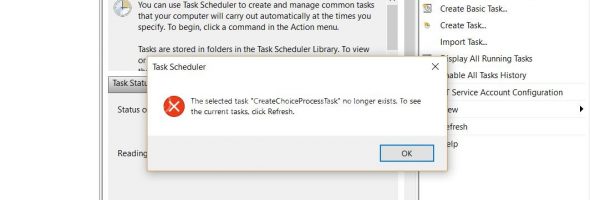
How to fix issues with Task Scheduler: I’ve had quite a lot of my customers PC’s that have been affected by this bug, it’s unsure how it happens but the result is the same, newly installed programs cannot create tasks to update/scan etc. This is how you fix it 🙂 …
I am sure some of you will find these useful. (a lot of these no longer work in Windows 10) Type CMD and then type the command in “Command Prop” 1. Windows Version – winver 2. Windows System Security Tool – syskey 3. Windows Firewall – firewall.cpl 4. Add/Remove Programs …
Intel Meltdown bug – MS fix and your Anti-Virus may cause your system to crash! Over the past few days Microsoft have released patches for the Intel Meltdown bug, we have already had 5 customers PC’s that have crashed during the update – all PC’s were running Kaspersky – Today …
7 Ways You’re at Risk Without a VPN You won’t believe just how easy it is to hack the Wi-Fi network you are on and steal incredible amounts of your valuable data. Worse, every time you go online you run the risk of somebody snooping through your personal info. This guide reveals 7 …
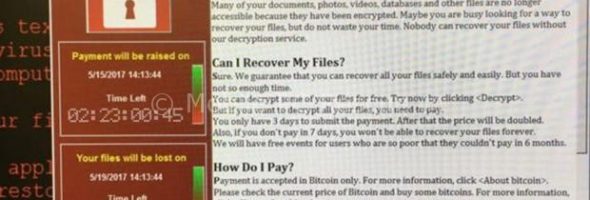
Steps on how to avoid Ransomware 1. Backup your computer immediately Investing in an external hard drive and making regular backups will help you in protecting your data, if not in saving you against malware. A data backup can save you from significant stress, time and money in the event when …
Today I visited a new customer who’d been conned by scammers, I had been recommended by another customer. (Thanks to everyone who recommends my business by the way). On arrival he tells me he got a call from Windows (yes Windows, not even Microsoft this time), he goes on …
Today I have been working on a Windows 7 PC where the registry got corrupt after installing some Windows 7 updates (at least that’s what we think did it) After many reboots and trying to use the Windows Boot Disk (via USB of course) to force a recovery I have …
Is it OK to Upgrade now? Yes, now all the bugs are fixed and it seems much more stable here Just make sure you disable Kaspersky As with ANY Operating System Update there may be residual errors carried over from the previous version and these can cause a myriad of …